Automating Guest Communication
Tech, Automation, Guest Messaging
Automating Guest Communication Safely
Scale your operations with messaging automation without losing the personal touch that earns 5-star reviews. Guest messaging is the single biggest time-sink in vacation rental hosting — and the single biggest opportunity for automation to backfire.
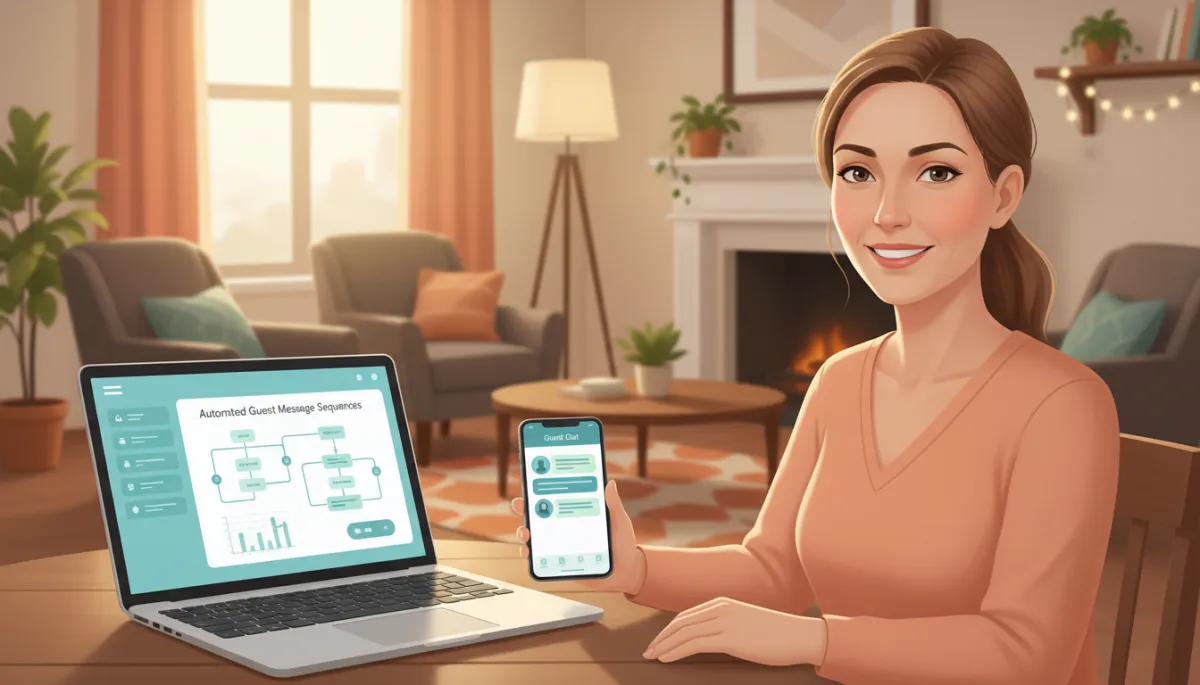
The right messaging automations can save hours each week without sacrificing hospitality.
Done well, automation gives you back 10+ hours a week and improves response times. Done poorly, it turns warm hospitality into a customer-service hellscape. Here's how to automate without sounding like a robot.
Map Your Message Triggers Before You Write Any Templates
Most hosts try to automate by writing a “welcome message” and a “checkout message” and calling it done. Real automation runs on specific triggers that mirror the guest journey:
Booking confirmation
7 days before arrival
24 hours before check-in
Check-in moment
Mid-stay (day 2 or 3 of longer stays)
Checkout morning
Post-checkout review request
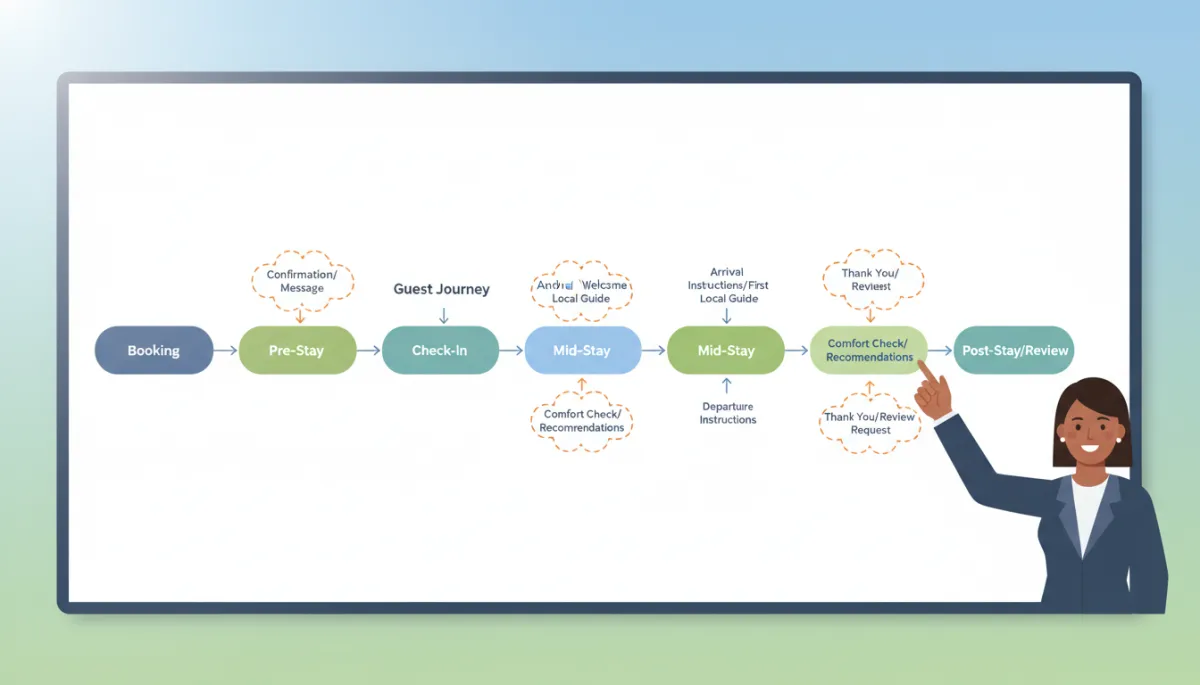
Each one serves a specific purpose. Skip any and your guest fills the gap with a question to your inbox.
💡 Pro Tip: Start by listing every moment a guest has ever messaged you. Those are your first automation trigger candidates.
Use Variables, Not Boilerplate
The difference between “Hi Guest, welcome to our property” and “Hi Sarah, we're excited to host you at the Cedar Loft starting Friday” is one line of template code and roughly 0.5 stars on your review average.
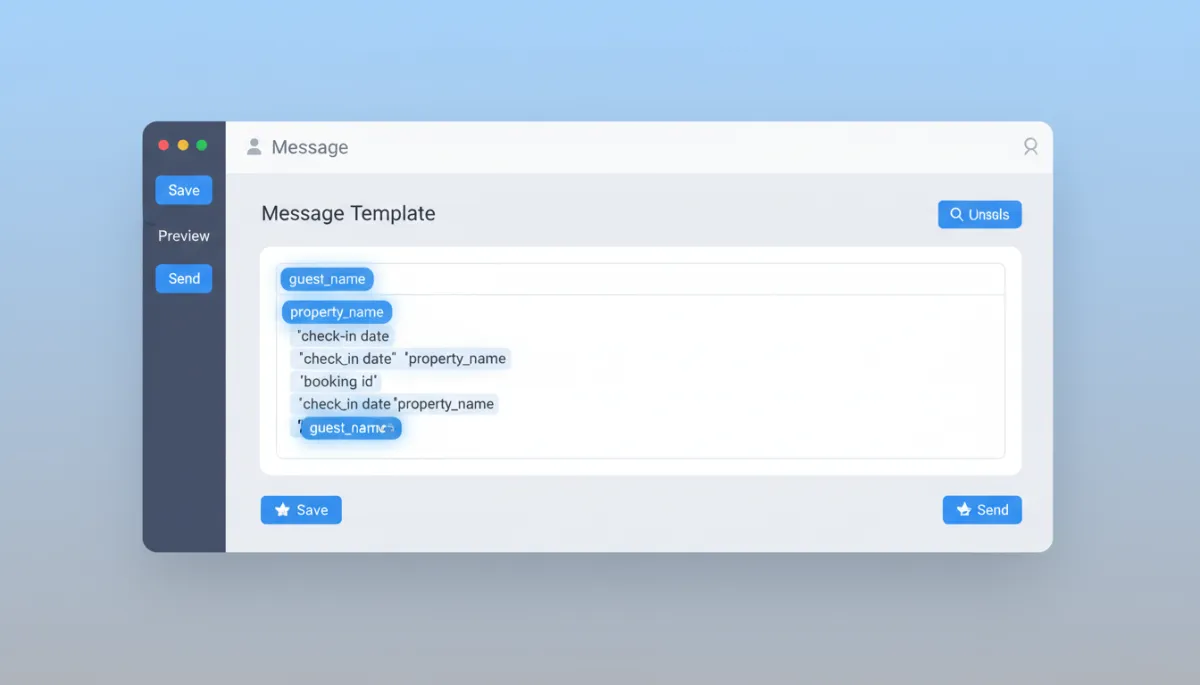
Every modern PMS (Hospitable, Hostfully, Guesty, OwnerRez) supports dynamic variables. Use them at minimum for:
Guest name
Property name
Arrival date
Check-in time
Wi-Fi details
📌 Key Takeaway: If a detail changes per guest or per stay, it should be a variable — not hard-coded text.
Pick a Tone and Stick to It Across Every Message
Your booking confirmation, your check-in instructions, and your review request should sound like the same person wrote them — because as far as the guest is concerned, they did.
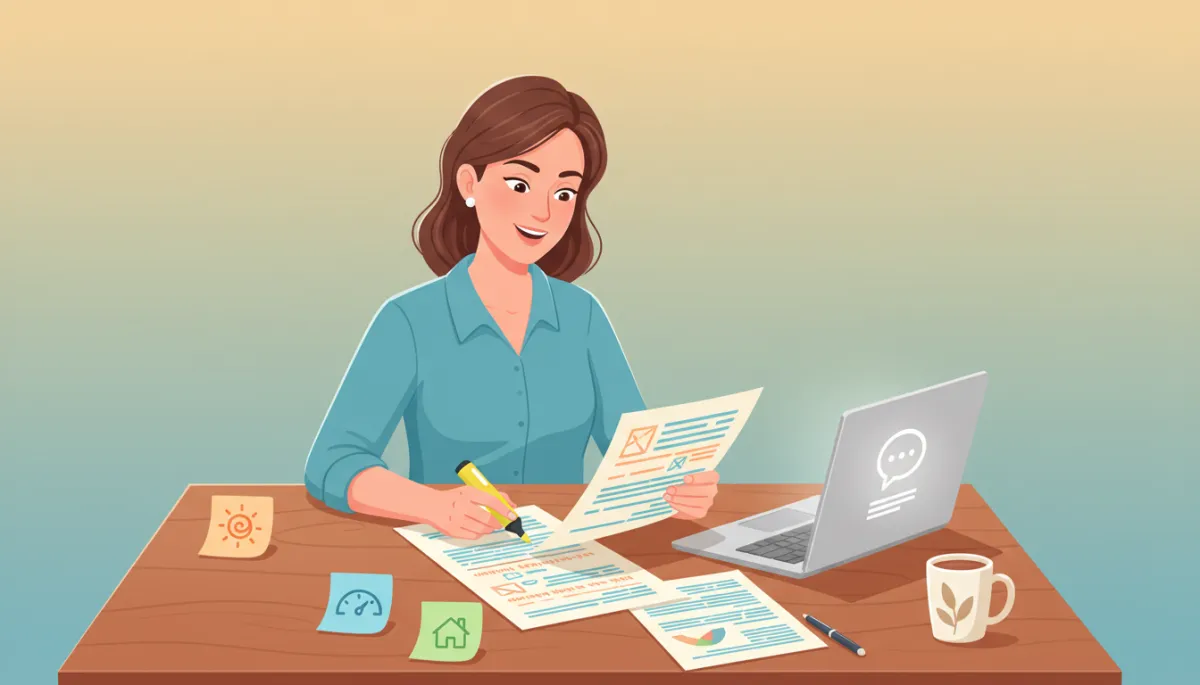
💡 Pro Tip: Read each template out loud. If it doesn’t sound like how you speak on the phone, rewrite it.
Build Human Override Into Your Workflow
Automation should pause the moment a guest replies with anything more complex than “thanks.” Configure your tool to flag inbound messages containing keywords like “broken,” “refund,” “can't find,” “complaint”, or any negative sentiment.
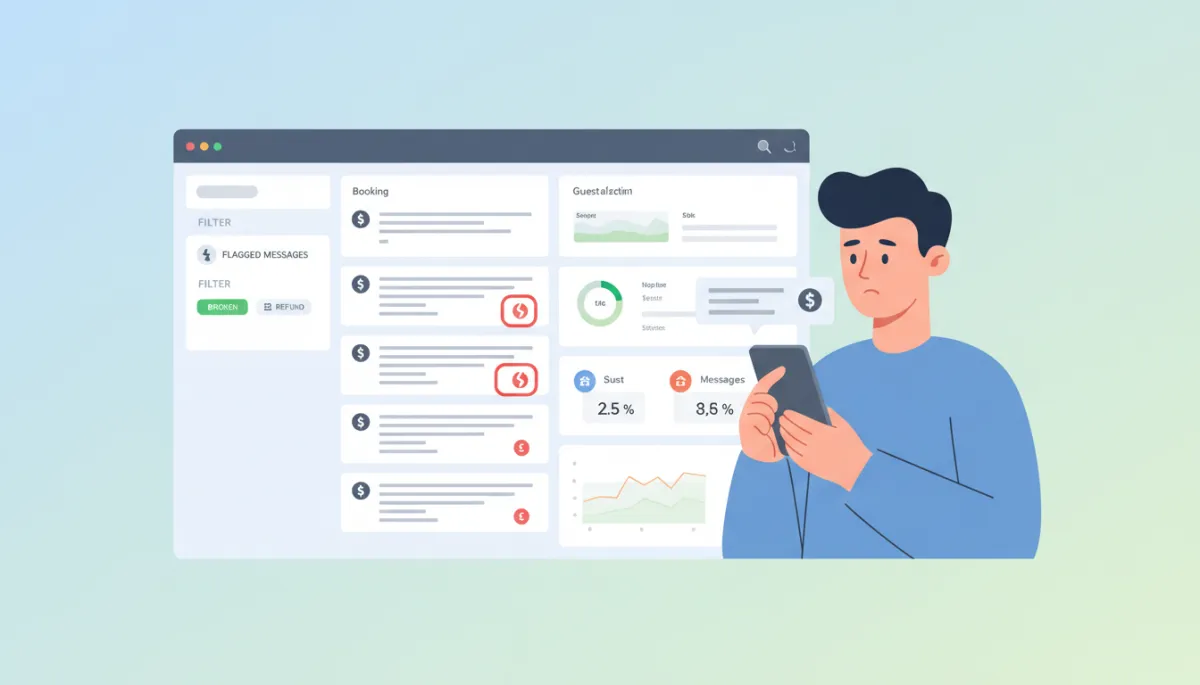
Those get a human reply within an hour. Everything else can wait for the scheduled sequence.
⚠️ Warning: Letting your automation continue after a complaint can feel tone-deaf — like you’re ignoring the problem.
Don't Automate Apologies or Problem-Solving
A guest reporting a broken AC doesn't want a templated “we're so sorry for the inconvenience.” That's the fastest path to a 3-star review.
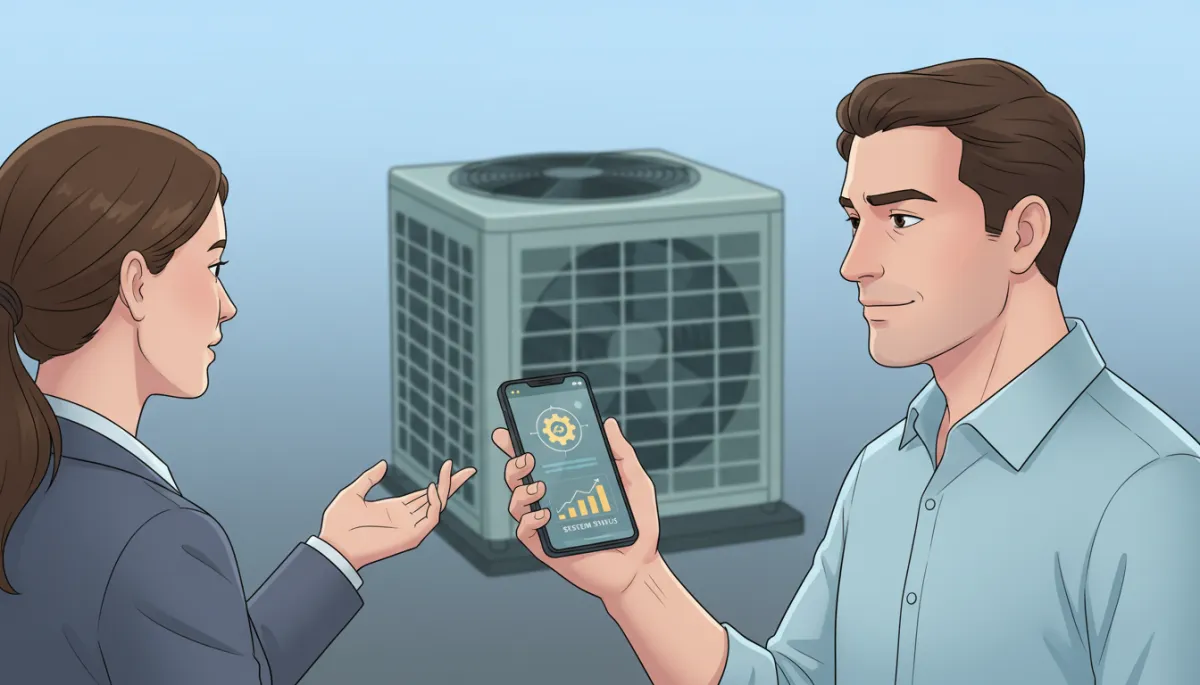
Automation handles logistics; humans handle problems. The line is non-negotiable.
“Guests will forgive the problem. They won’t forgive feeling ignored.”
Test Your Sequences From the Guest Side
Book a test stay (or have a friend book) and walk through every message in order. You'll catch:
Duplicate check-in instructions
The broken variable that prints “Hi {{firstName}}”
The awkward 2 AM auto-reply you didn't realize was scheduled
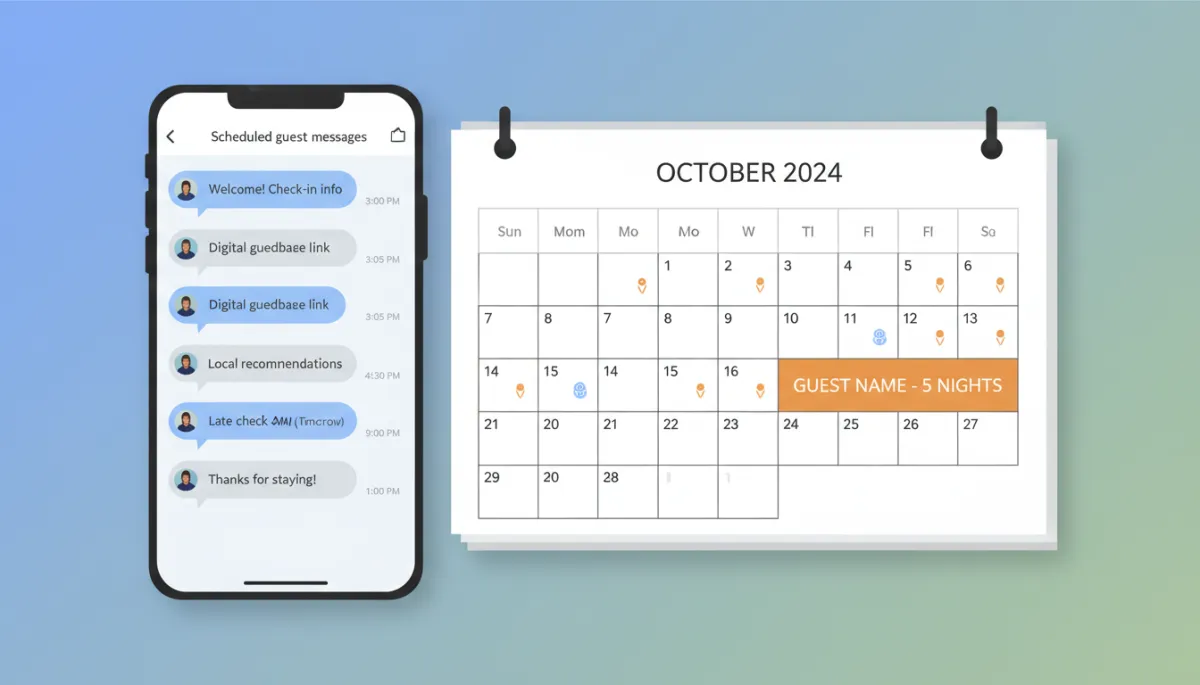
💡 Pro Tip: Do this once per quarter or after any major template change to avoid nasty surprises.
Tools Worth Considering in Your Tech Stack
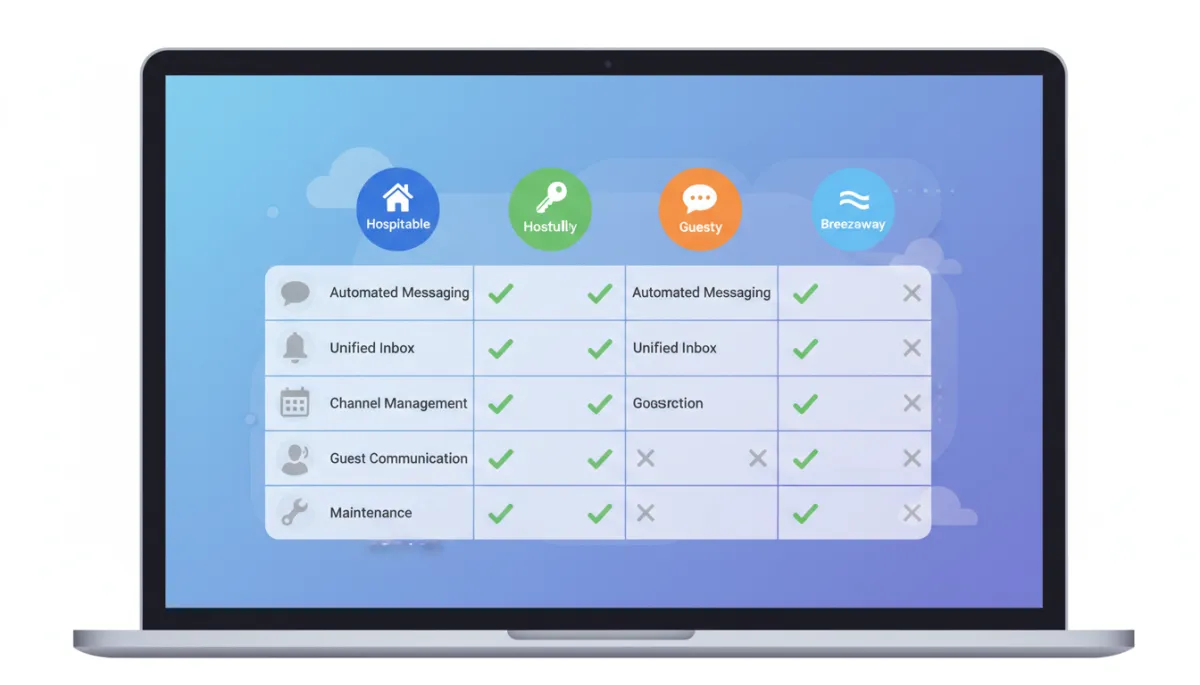
The tools worth considering: Hospitable (best for solo hosts scaling), Hostfully (better for property managers), Smartbnb/Hospitable's mobile inbox (best unified messaging), and Breezeway for operations-linked messaging.
Automation is leverage, not a replacement. The hosts winning on review scores aren't the ones who automate the most — they're the ones who automated the right messages and kept their hands on everything else.

📌 Key Takeaway: Automate logistics, personalize the experience, and always keep a human ready for the moments that matter.